

![]() |
UltimaSerial (Rev 3) | |
![]() Let UltimaSerial unleash the power of your Windaq Starter kit!
Lessons on how to use UltimaSerial
|
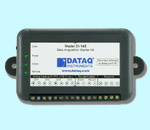
If you are starting a new project, start with this one! UltimaSerial (version 3) 1) Support USB-based powerful data loggers DI-148, DI-158, DI-710 & DI-715B, with backward compatibility for DI-194, DI-154, DI-195B, etc 2) If you use UltimaSerial in the VBA editor of any Microsoft Office Products like Excel, Word or Visio before and you started your project with earlier version of UltimaSerial, please come here to find out more info before you proceed. Click here to download UltimaSerial version 3 and VB samples (.ZIP file) Now start your first program (Yes, it is this simple!, refer to VB sample if this is your first time to use ActiveX in VB. VB sample KickStart is included in the UltimaSerial download, you can run it "AS IS"):
(If you have trouble running this sample, check and make sure UltimaSerial.ocx in Windows\System32 directory is dated no later than May, 2005) New properties and methods includes Besides standard supports like DigitalInput, EventCounter, Trigger, Alarm, Min/Max, etc. here are some new properties and methods: PChannel, PGain, DigitalOutput, DACOutput, SetDIODir, GetDescription & SetDescription, ScanDevice, and more.... Here are the properties and methods of Ultimaserial Click here for the Disclaimer of UltimaSerial.
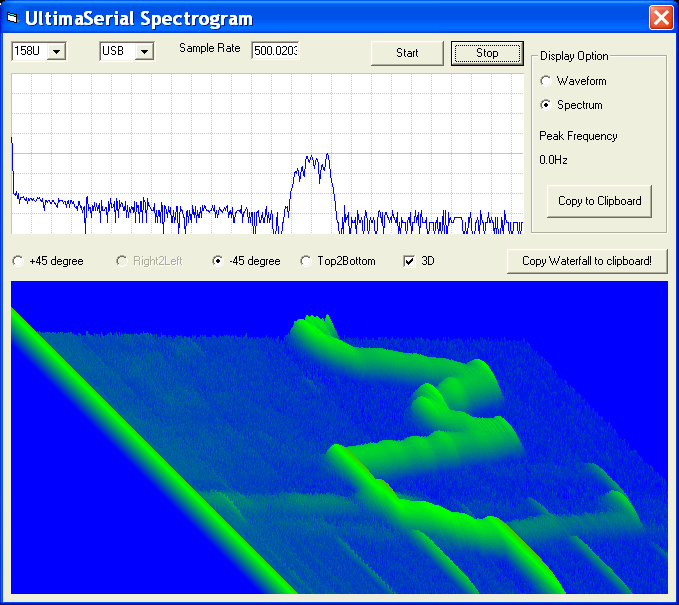
Bonus! Last update: 10/05/07 Copyright: 2000-2005 www.UltimaSerial.com
|
|