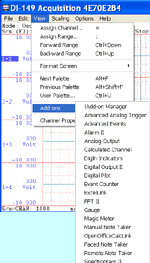
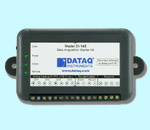

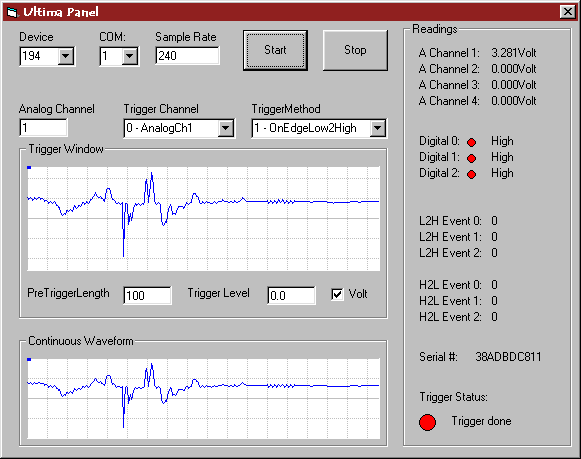
UltimaPanel is a demo for Ultimaserial.
Its source codes can be found in the UltimaSerial Control Installation.
If you just want to test drive it, here is the application, which supports DI-145, DI-149, DI-194, 148, 150, 154 and 158 directly. Please install UltimaSerial first
If you use Visual Basic 2008 Express Edition, please click here to download the source codes
UltimaPanel Features:
Various Acquisition modes Scrolling mode
Edge-trigger mode
Level-enabling mode
Event counter trigger modeThe trigger level and pre-trigger length can be set up easily.
Real-Time Readings Analog channels
Digital channels
Event counters
Trigger Status
Serial numberSupported Serial Devices DI-190
DI-194
DI-195B
DI-150RS
DI-151RS
DI-148
DI-158
DI-145
DI-149
Partial support: DI-7xx series due to its different method to deal with digital inputsCOM Port COM 1, 2, 3 and USB
 Click here
to learn how to use these serial devices to study the frequency domain in real time
Click here
to learn how to use these serial devices to study the frequency domain in real time
Last update: 02/29/12
Copyright: 2000-2011 www.UltimaSerial.com