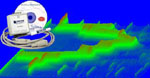
UltimaSerial
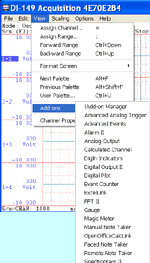

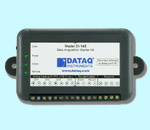
This software is based on TiePie engineering's Handyscope HS3 digital oscilloscope

One may ask, why reinvent the wheel when Handyscope HS3 comes with a good set of software?
Because we believe we can make one with better performance!
HS3 is a very powerful tool, but its recorded waveform playback software can be improved, and the free Windaq Waveform Browser(WWB) from DATAQ instruments is perfect for the job.
Besides its easy management of thousands captures within a single file, WWB's seven standard cursor-based measurements, and frequency domain and statistical analysis functions help simplify waveform analysis and interpretation. If more analysis is desired, add Advanced CODAS to WWB!
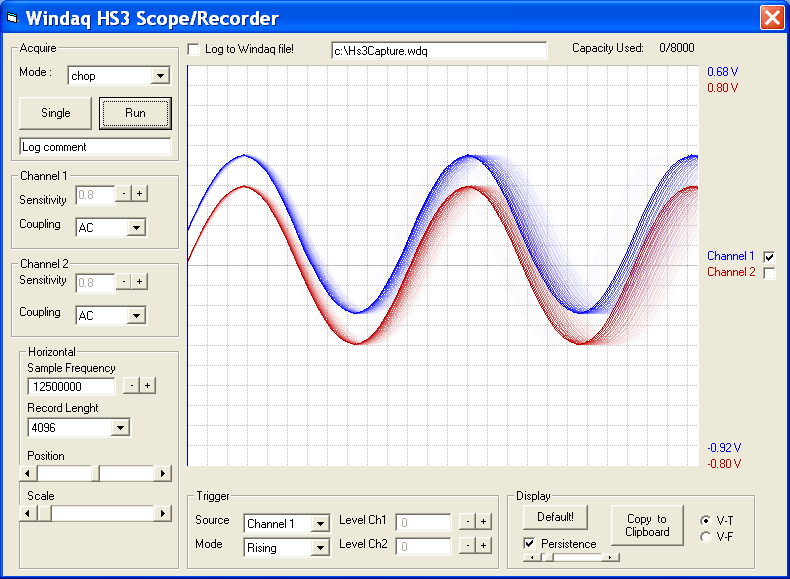
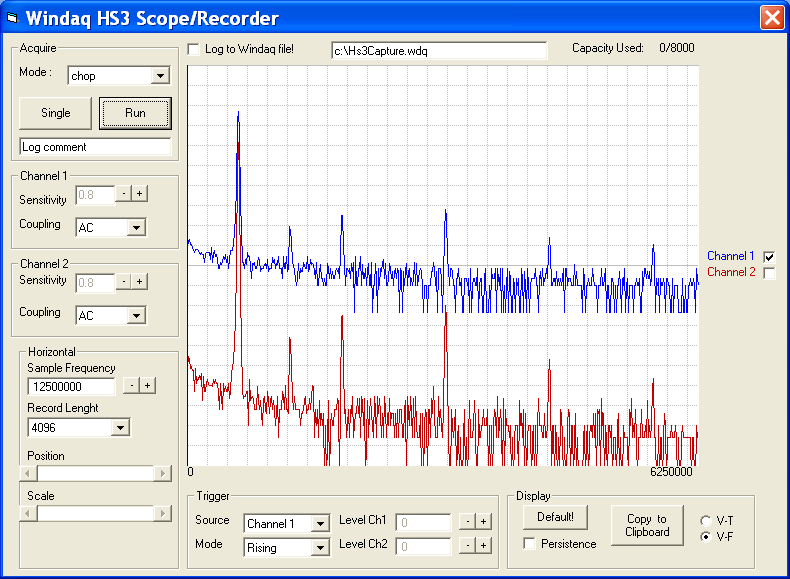
Windaq HS3 Scope/Recorder puts the best of both in the same package, storing HS3's waveform file in WWB format, along with powerful charting feature from XChart and FFT1024.
Windaq HS3 Scope/Recorder also comes with VB source codes so that you can tailor it or integrate to your own application.
 To install Windaq HS3 Scope/Recorder
1) Install HS3 software according to
manufacturer's instruction
2) Install the API library for HS3 provided by TiePie
engineering: Download,
unzip it and copy all files to Windows\system32 directory
3) Install file operation controls from DATAQ
4) Install charting package from
Ultimaserial
5) Install Windaq HS3 Scope/Recorder
6) Install Windaq Waveform Browser from DATAQ
7) Install WWB Event Navigator to better manage the events associated with each trigger
8) Optional, download VB
source codes for Windaq HS3 Scope/Recorder if you wish to modify it
9) Optional, download a sample Windaq file captured with
Windaq HS3 Scope/Recorder
To use Windaq HS3 Scope/Recorder
Most the button-based operations are trivial and need no further explanation
Select one or both waveform via the check box(es) on the right side of the chart, you may perform the following operations on the specified waveform(s):
1) Drag the waveform up and down
2) Double click on the left/right button to increase/decrease the scaling of the waveform
Note: Click on Default button will reset the scaling/offset of the waveforms
For
programmers
This project uses XChart and DataqFileII control , if more detail about these this controls is needed, please check visit XChart reference and DataqFileII reference
For
users
The captured data are stored in Windaq Waveform Browser format, with events associated with each trigger, to better manage the events, please consider WWB Event Navigator
Last update: 02/29/12
Copyright: 2000-2005 www.UltimaSerial.com